All Products
HP
HP
HP
HP
HP
HP
HP
HP
HP
HPTop Picks in Stock
A curated selection from our best-selling printers and scanners — ready to ship today.
HP
HP
HP
HP
HP
HP
HP
HP
HP
HPEverything you need to know before you order.
Browse our full range of printers and scanners, organized so you can find the right device quickly. Use the category filters to narrow by device type, technology, or intended use. Whether you are setting up a home office, equipping a small business, or upgrading the document workflow at a larger organization, the catalog above covers the common needs of each. The notes below explain how to match those choices to your actual needs without getting lost in specifications.

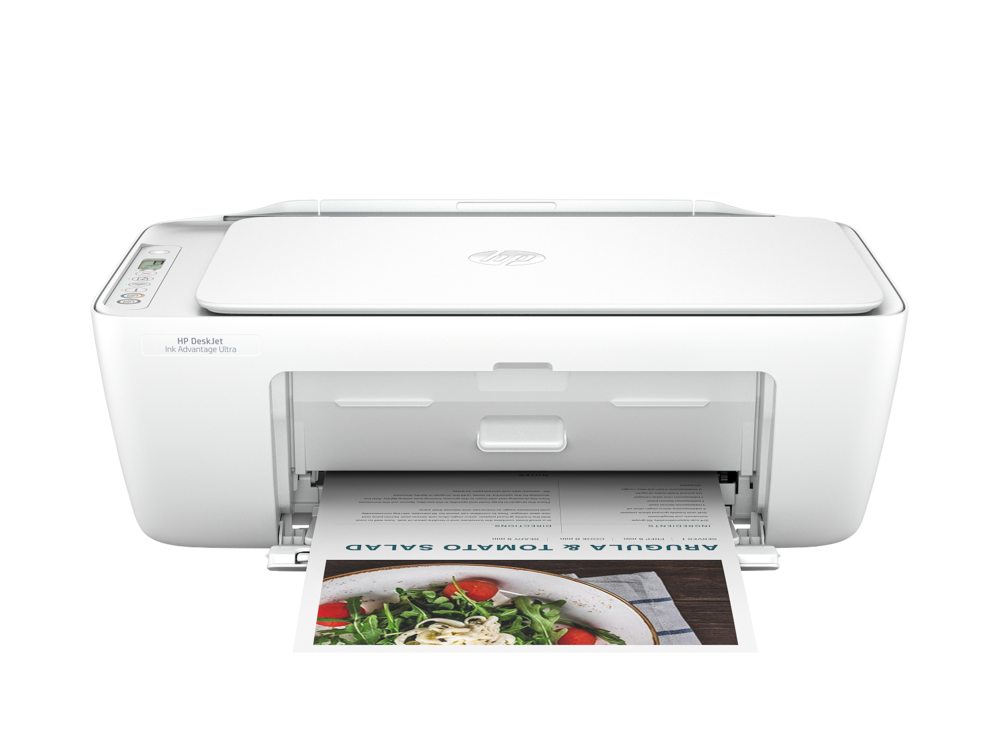
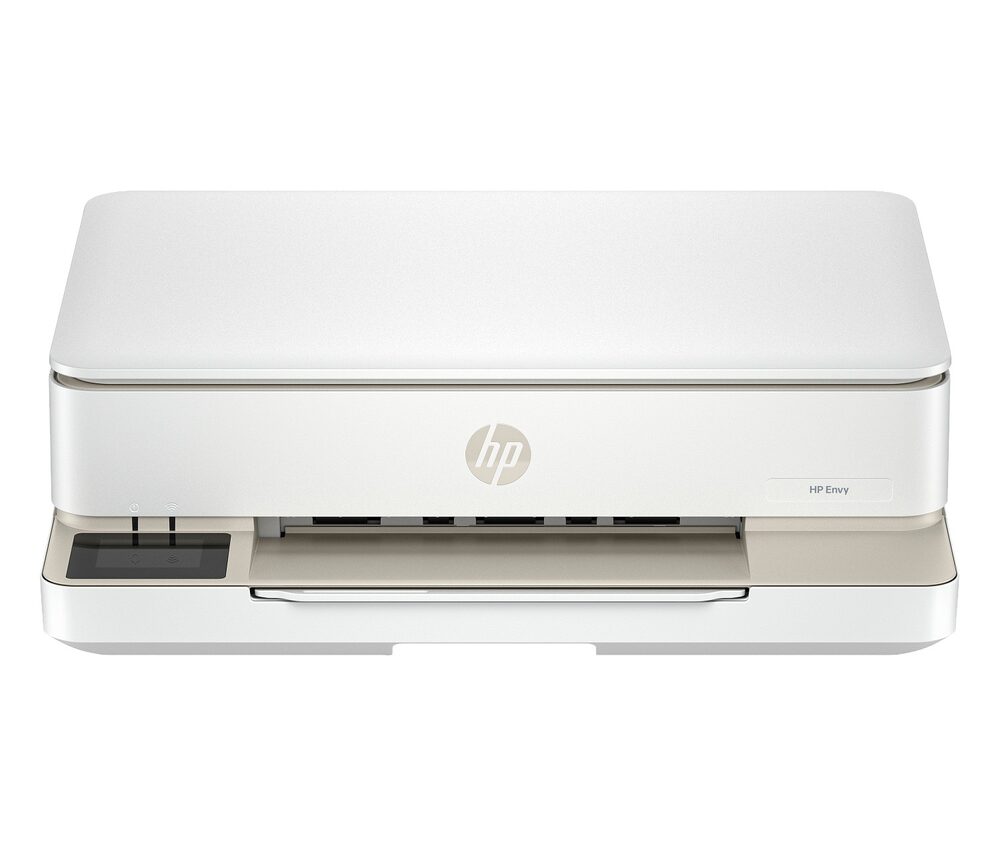
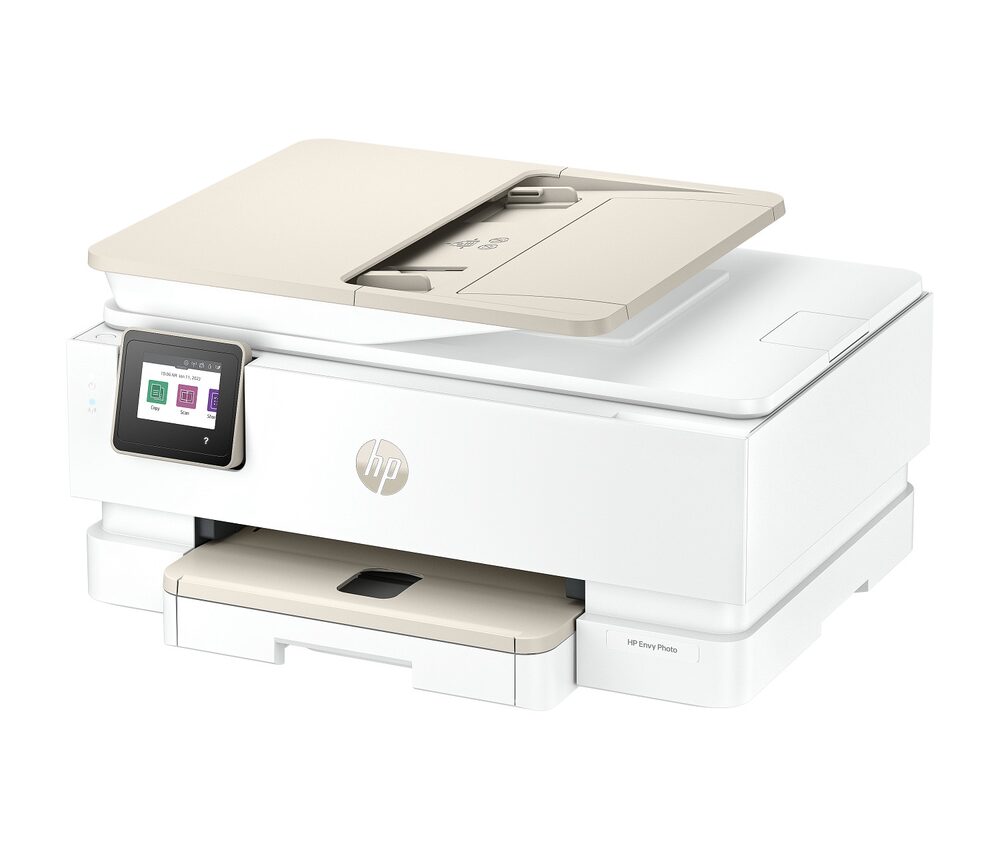
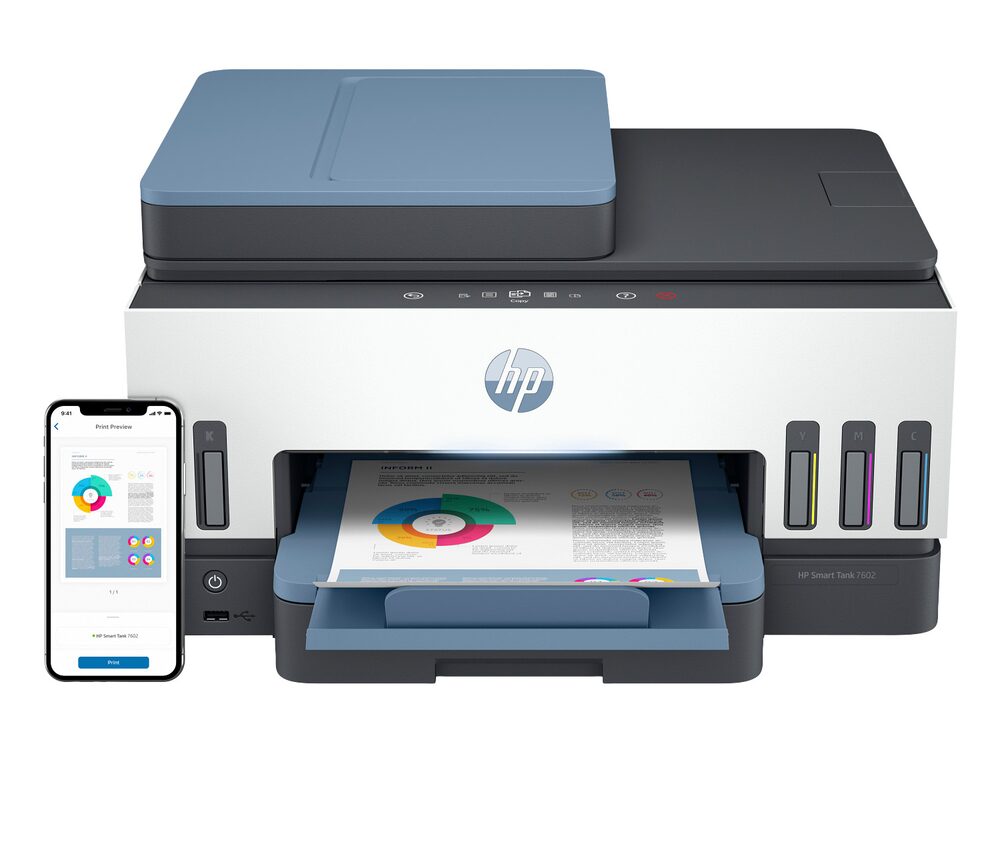
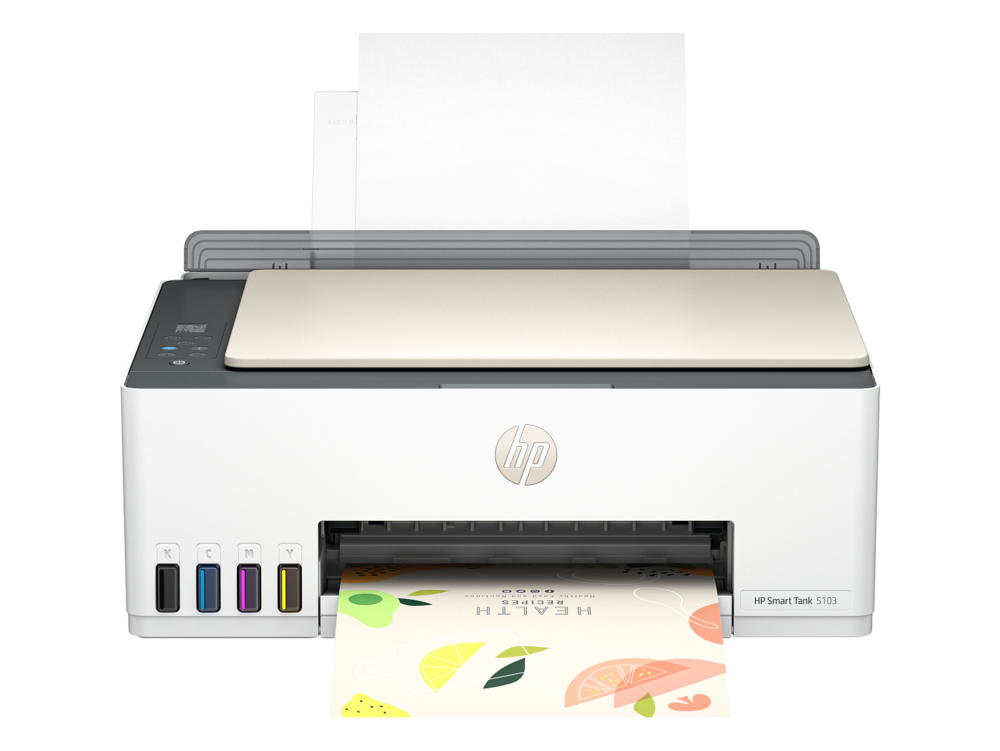
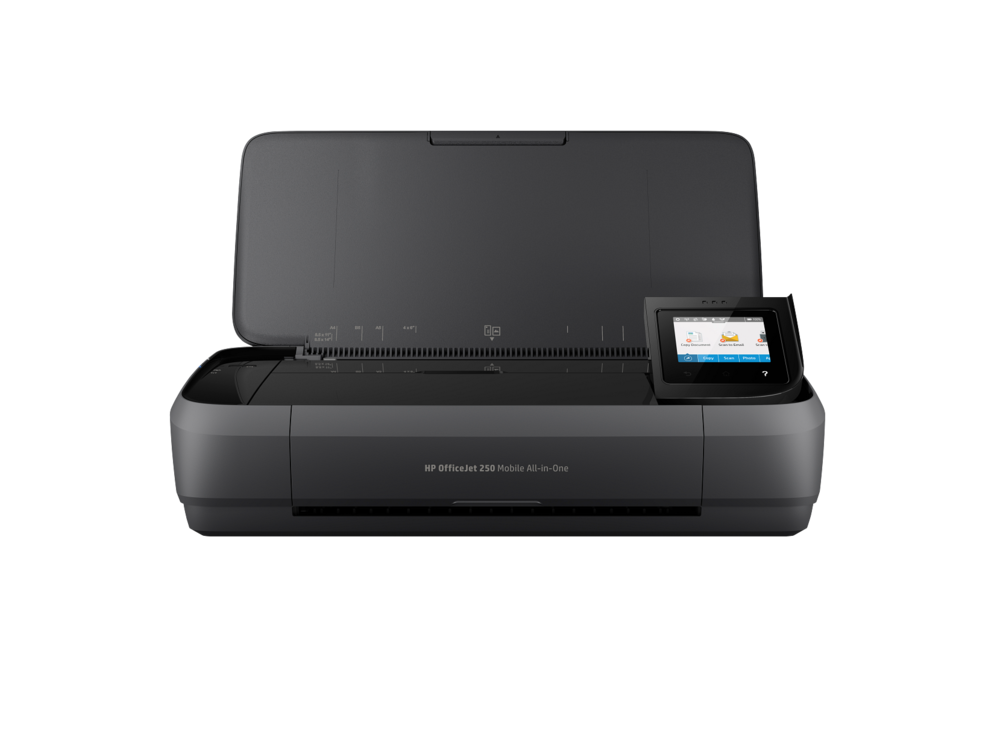
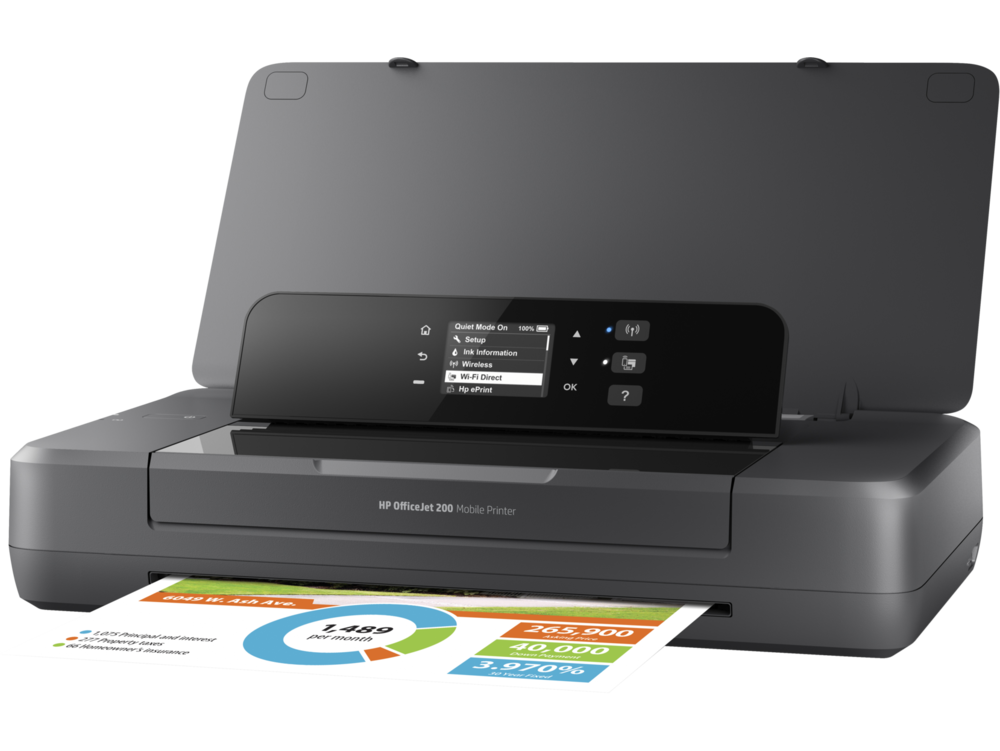
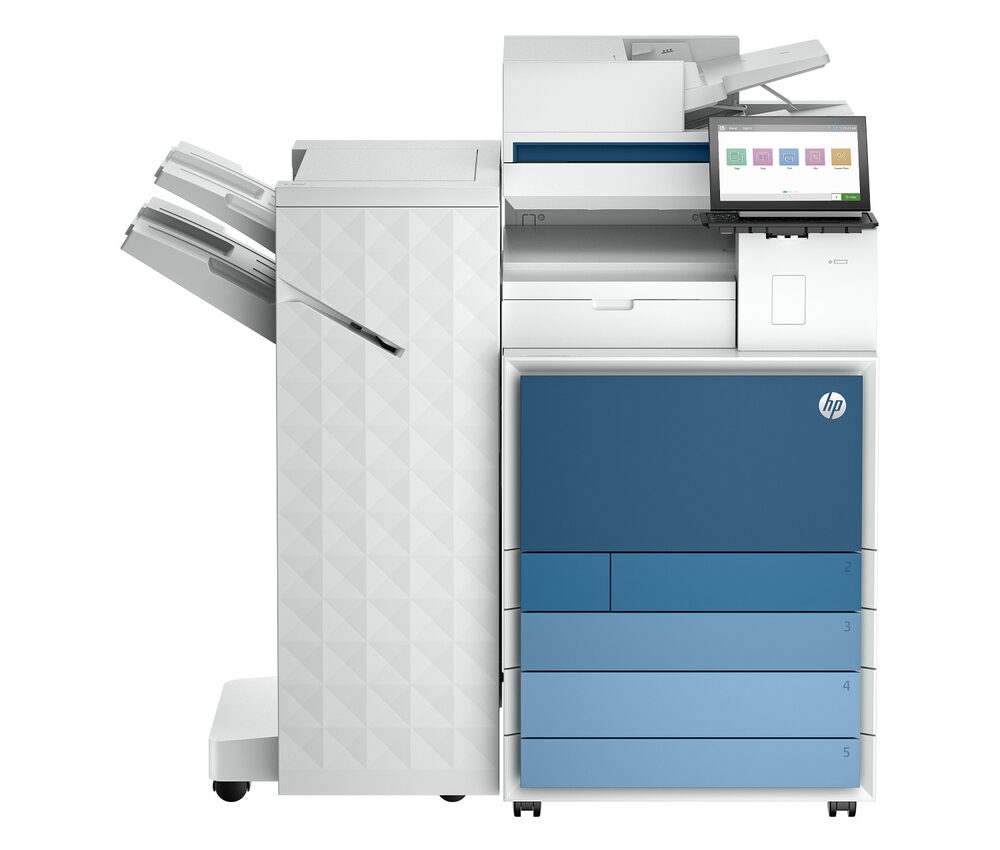
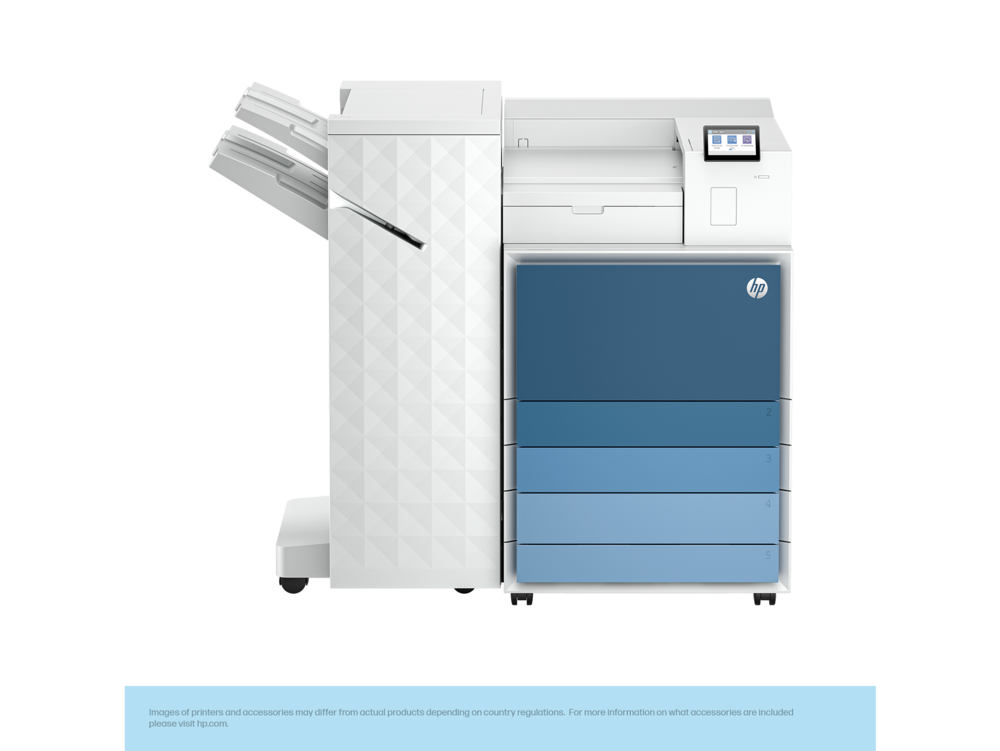
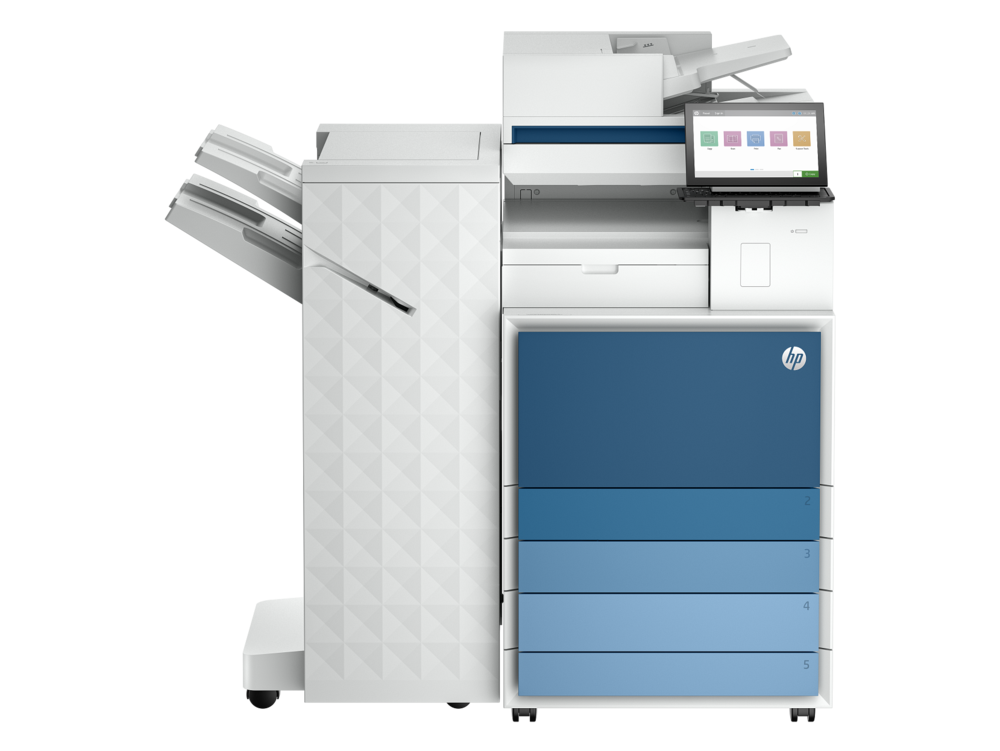
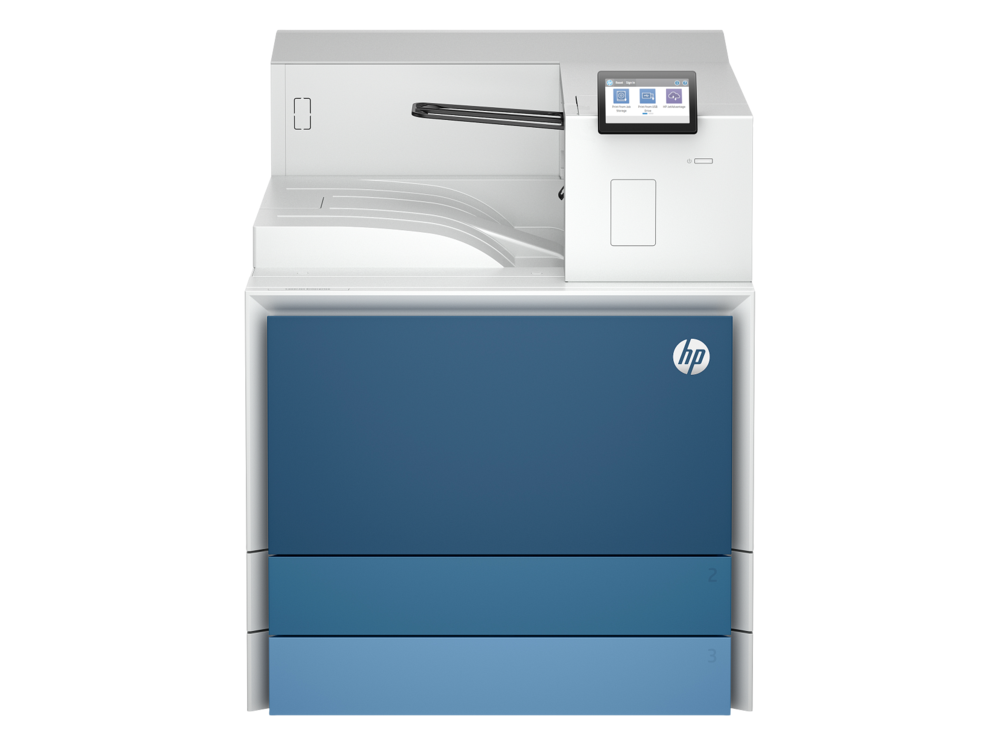
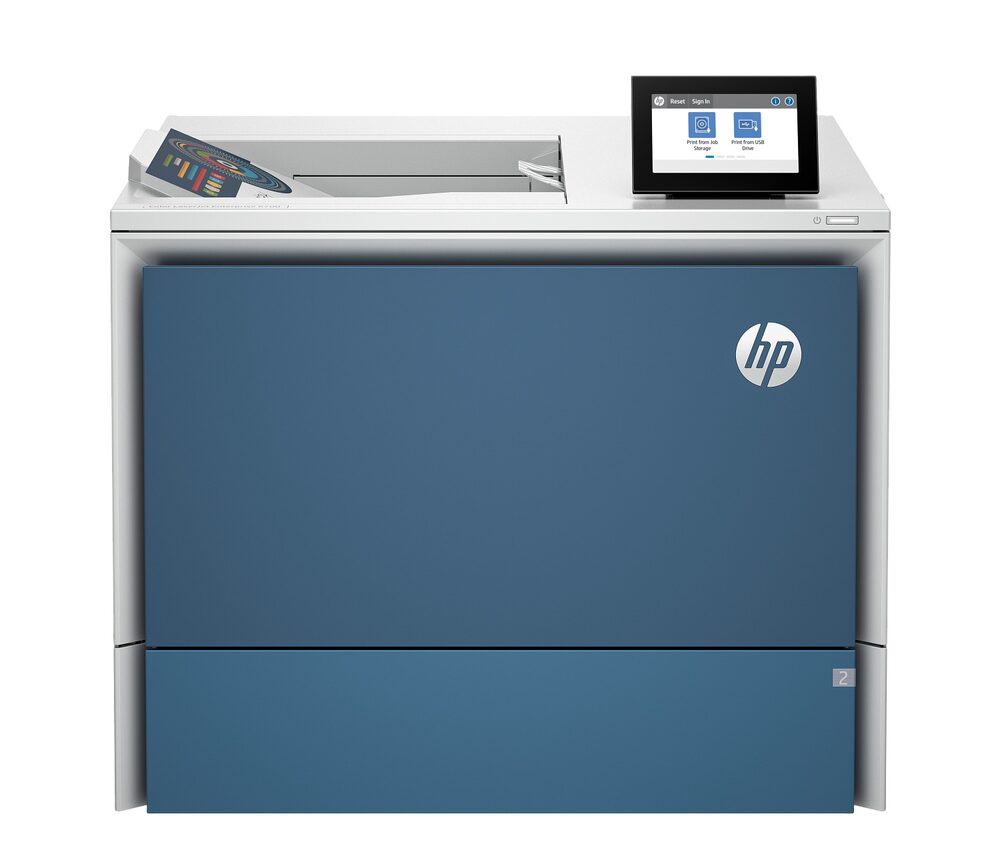
Printers in our catalog fall into a few main groups. Inkjet printers spray liquid ink and excel at color and photo output, making them well suited to home use and creative work. Laser printers use dry toner powder fused to paper and excel at fast, sharp, durable text printing, making them well suited to offices and high-volume environments. All-in-one printers combine printing with scanning and copying in a single device, saving space and simplifying multi-function workflows.
Within each group, you will find monochrome models that print in black and shades of gray, and color models that produce the full visible color spectrum. Monochrome devices are typically faster and simpler for text work; color devices add the flexibility to print marketing materials, presentations, and photos.

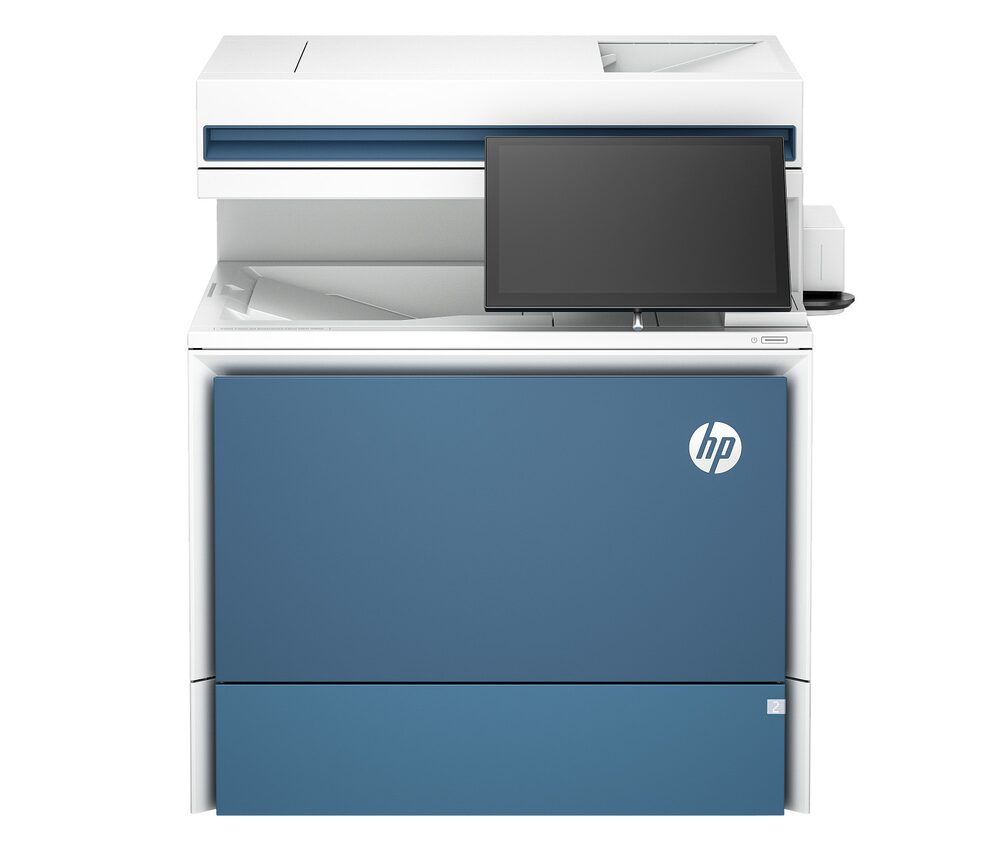
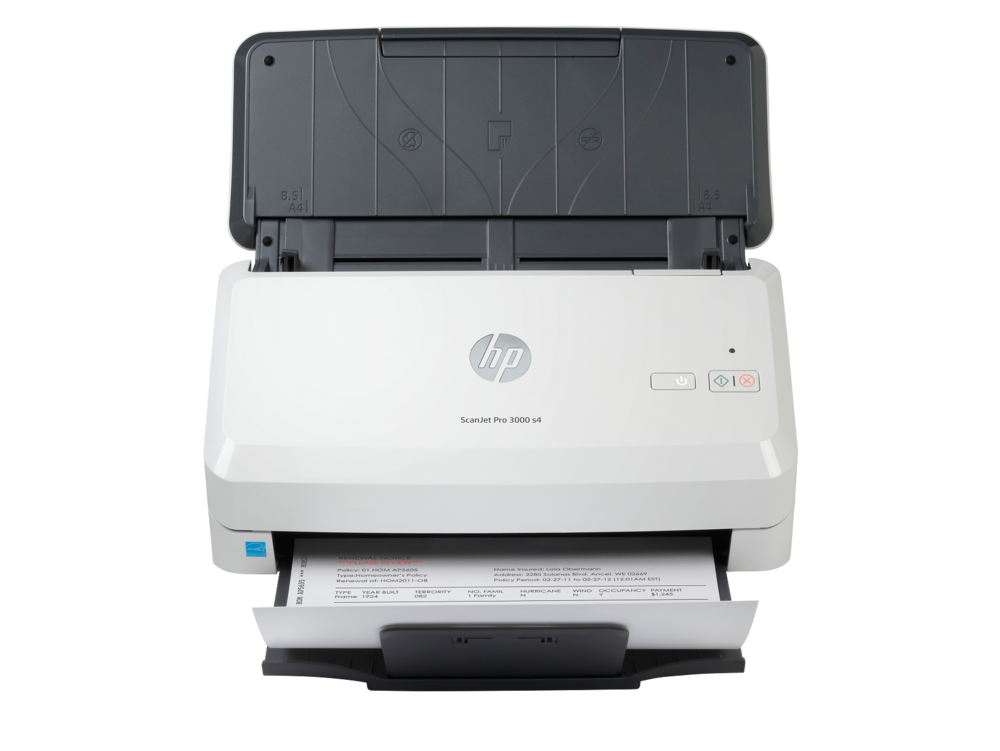
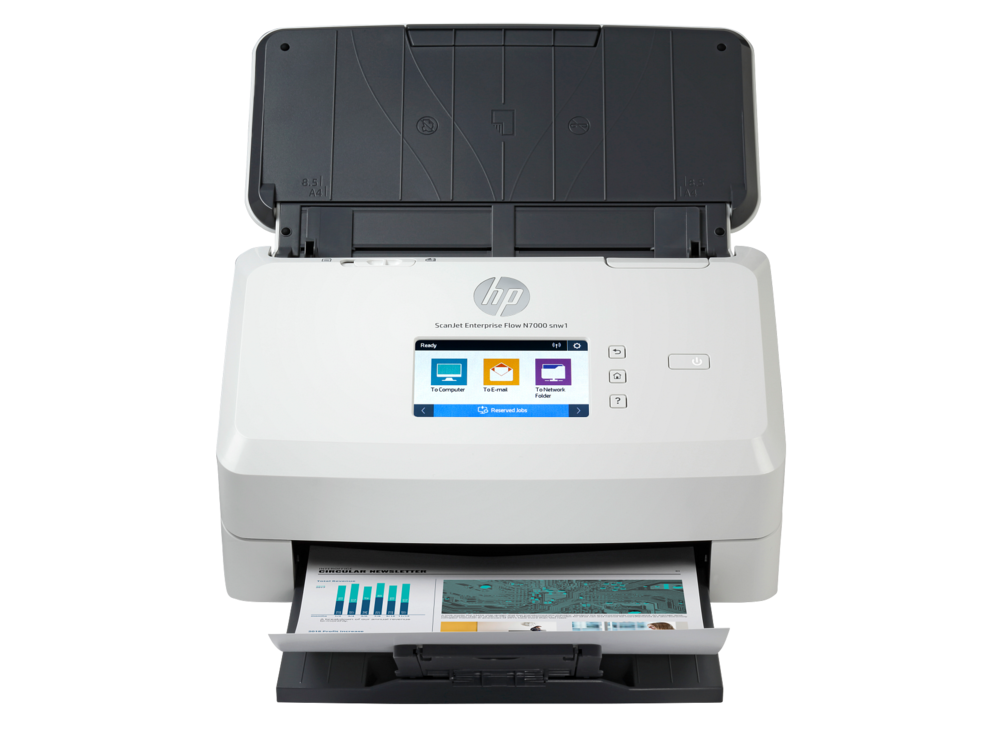
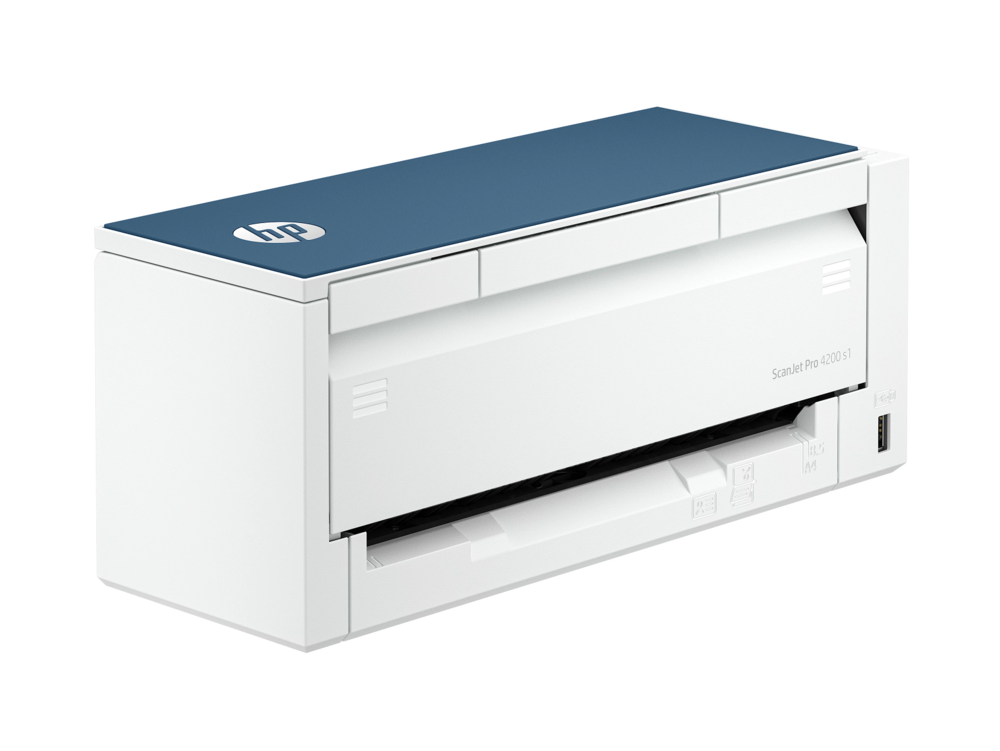
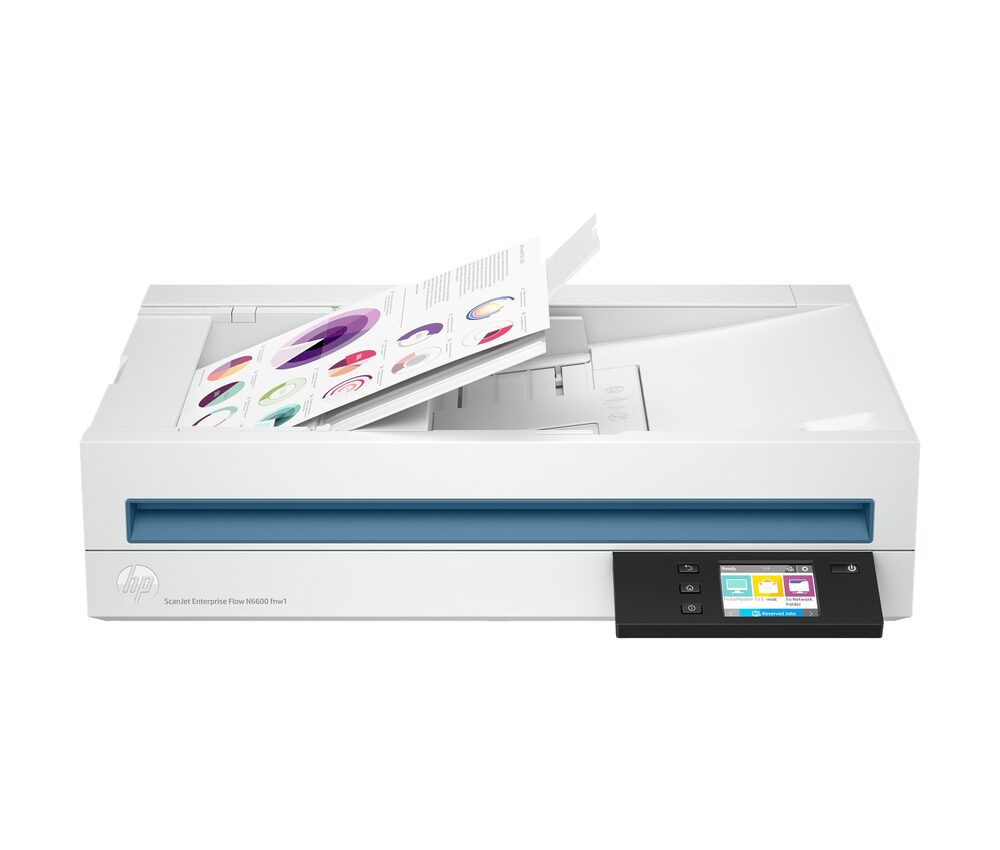
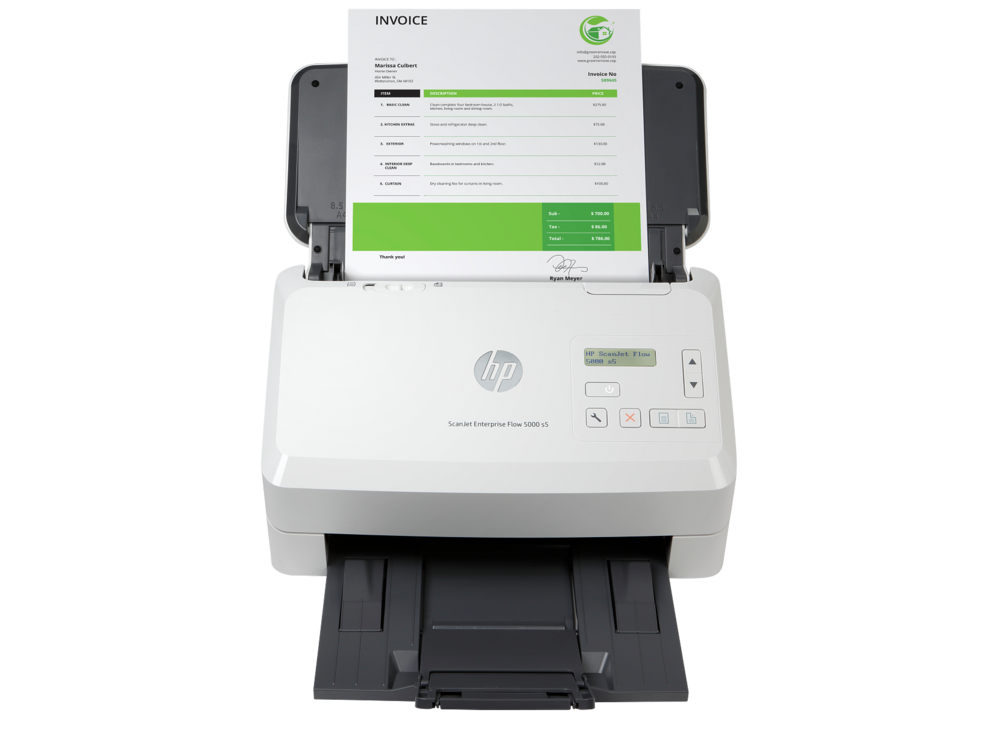
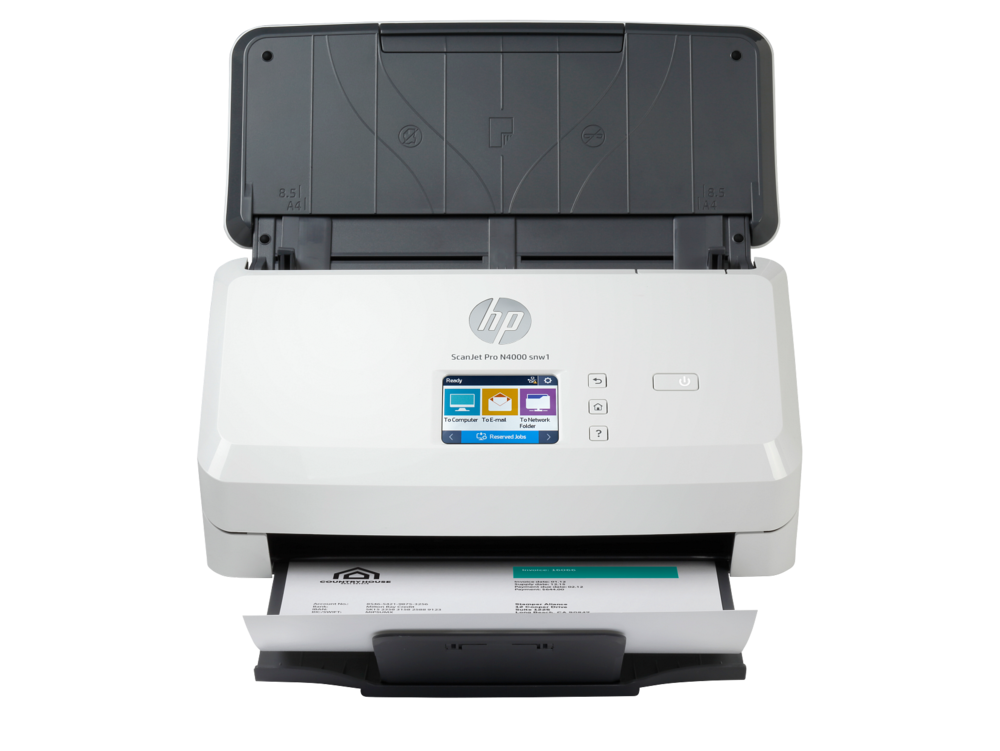
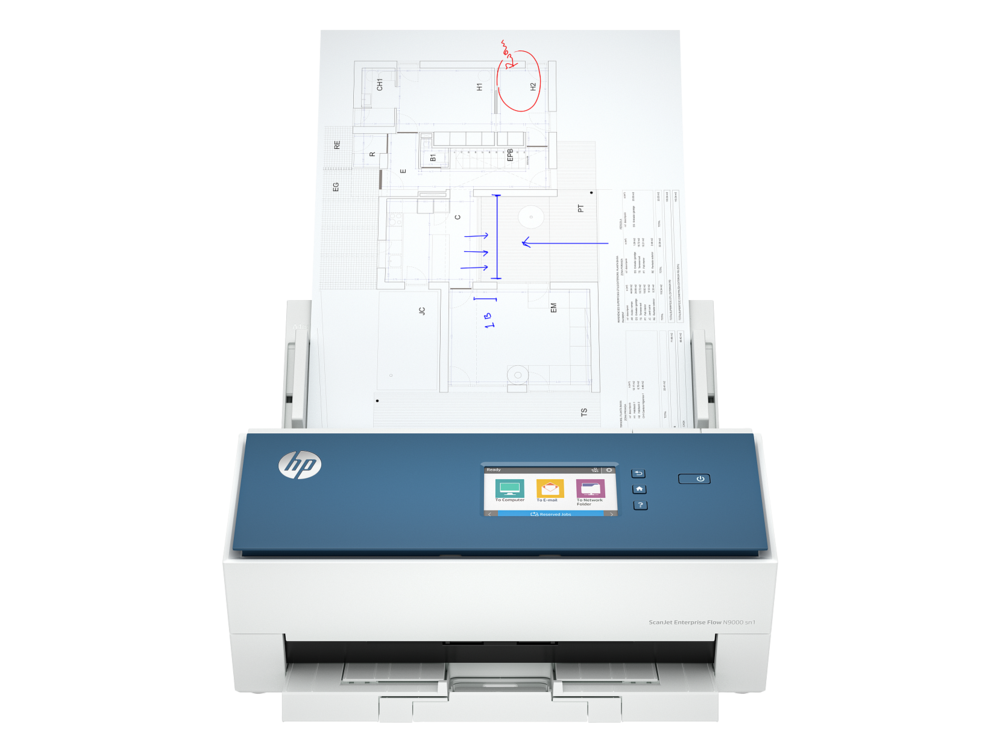
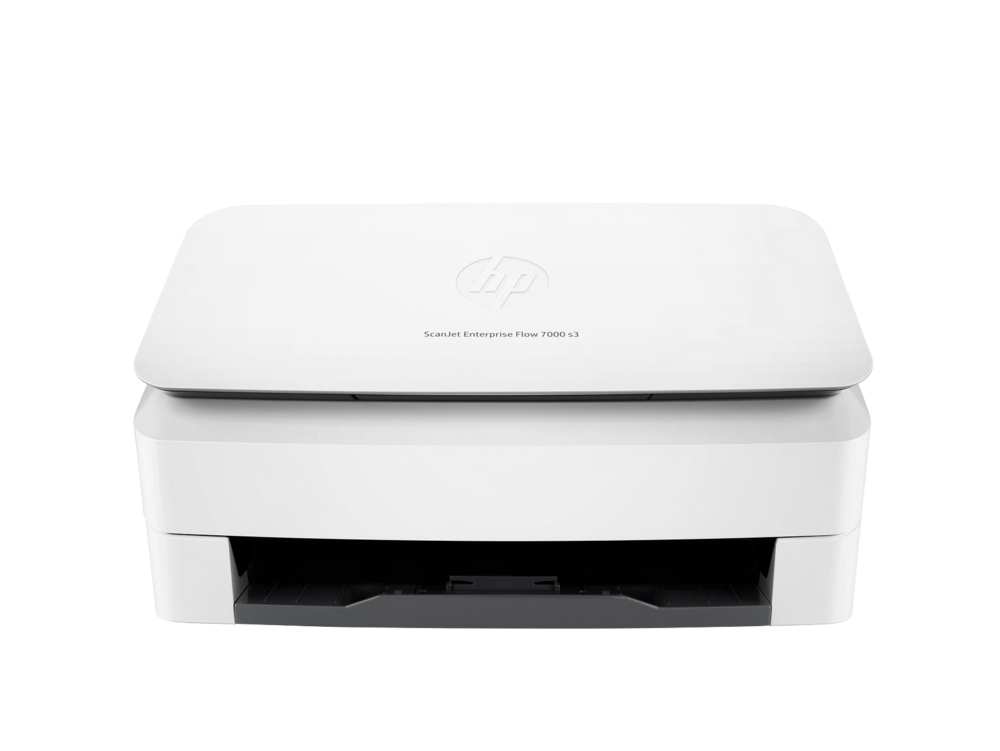
Scanners in our catalog cover the main scanning needs of home and business users. Flatbed scanners use a glass surface to capture photos, books, and delicate originals one at a time. Sheet-fed document scanners pull stacks of pages through automatically and are the right choice for archival projects, paperwork-heavy offices, and any workflow that involves more than a few pages at a time. Photo scanners are specialized devices built for high-resolution capture of prints, slides, and film, with color depth and resolution tuned for image work rather than text.
Many modern scanners include built-in Optical Character Recognition, which turns the scanned image of a page into searchable, editable text. This single feature transforms a digital archive from a folder of images into a fully searchable library, which is why it matters for anyone serious about going paperless.

Volume is the single most important factor when choosing a printer. Households and individuals typically print a few pages at a time, a few times a week. Small offices often run through stacks of paper every day. Larger teams may produce hundreds or thousands of pages a day across shared devices. Each scale calls for different hardware.
For light use, almost any modern printer will perform reliably. For daily use across one or two people, mid-range printers offer the right balance of speed, features, and longevity. For heavy use across multiple people, business-class printers with higher duty cycles are designed to operate at full speed for extended periods without overheating or wearing out prematurely.
Scanning works the same way. A user who occasionally scans a document is well served by a basic flatbed. A user who digitizes stacks of paper regularly needs a sheet-fed scanner with an automatic document feeder. A user processing high daily volumes needs a business-class document scanner built for sustained use.

The other major consideration is what you actually produce. For text documents, laser printers generally produce sharper, more durable output at higher speeds. Monochrome laser printers are particularly well suited to invoice and report work, where speed and reliability matter more than color. For photos and color graphics, inkjet printers usually produce more vivid, detailed results, especially on dedicated photo paper. For mixed workloads, a color laser or a higher-end color inkjet covers most needs without forcing a trade-off between text quality and color performance.
For scanning, output quality depends on what you are capturing. Standard document scanning works well at moderate resolutions and produces compact, searchable files. Photo scanning benefits from higher resolutions and better color accuracy. Archival work, especially scanning slides or negatives, requires specialized photo or film scanners.

The physical environment shapes the right choice in ways that are easy to overlook. A printer in a busy office needs strong network support and a duty cycle that matches the workload. A printer in a home office needs compact dimensions and quiet operation, especially if it shares space with calls and meetings. A printer that lives in a shared room needs reliable wireless connectivity so users can print from any device in the home.
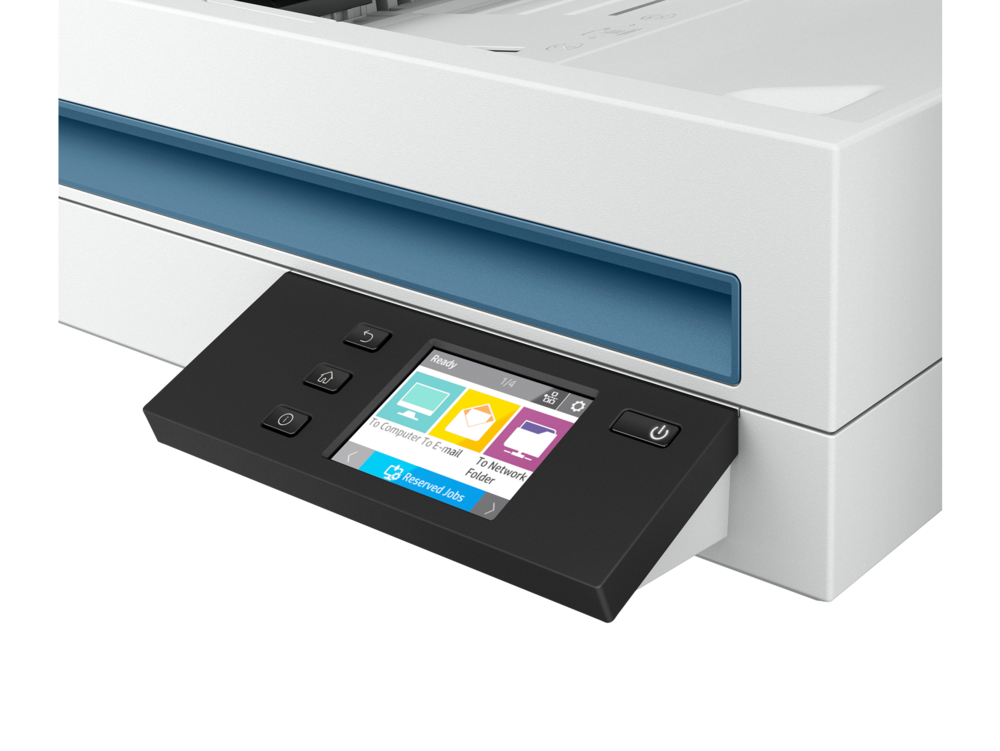
Scanners follow similar logic. A scanner that sits on a busy reception desk needs to be fast and durable. A scanner used occasionally in a home office can prioritize compactness over speed. A scanner shared across a team benefits from network connectivity and scan-to-destination features that let users send files directly to email or shared folders without involving a computer.

A small number of features make a disproportionate difference in daily use. Automatic duplex means printing on both sides of a page automatically, or capturing both sides of a page in a single scan pass. Both save significant time on multi-page work. Wireless and mobile printing allow printing from phones, tablets, and laptops without cables, essential for modern workflows where most documents originate on mobile devices.
An automatic document feeder holds a stack of pages and feeds them through one at a time, indispensable for scanning or copying multi-page documents efficiently. Optical Character Recognition, built into many modern scanners, turns scanned images into searchable, editable text. Network connectivity, wired or wireless, allows the device to be shared across multiple users. Duty cycle measures how much workload the device is designed to handle each month; matching it to actual usage prevents both under-buying and over-buying.

Choose an inkjet if photo quality matters, if color graphics are a regular part of what you print, if your monthly volume is light to moderate, or if upfront cost is a strong constraint. Inkjets handle mixed home and home-office workloads well and produce excellent results on photo paper.
Choose a laser if you print mostly text, if your monthly volume is consistent or high, if reliability across long sessions matters, or if your priority is fast, durable output. Laser printers tolerate periods of inactivity better than inkjets and are widely chosen for offices because of their consistent performance under daily use.
For mixed needs, color laser printers and higher-end inkjets have closed much of the gap between the two technologies, and either can serve well as a single shared device.

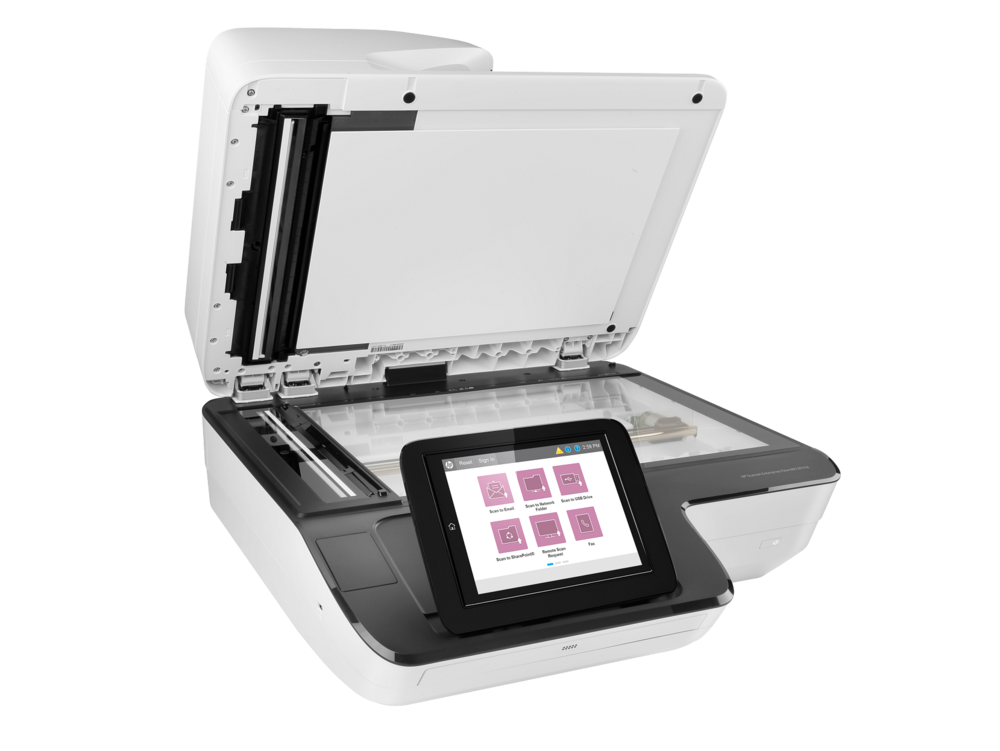
Flatbed scanners use a glass surface and a moving sensor to capture originals one at a time. They are the right choice for photos, books, fragile documents, and anything that should not be fed through rollers. They produce high-quality output and are gentle on originals.
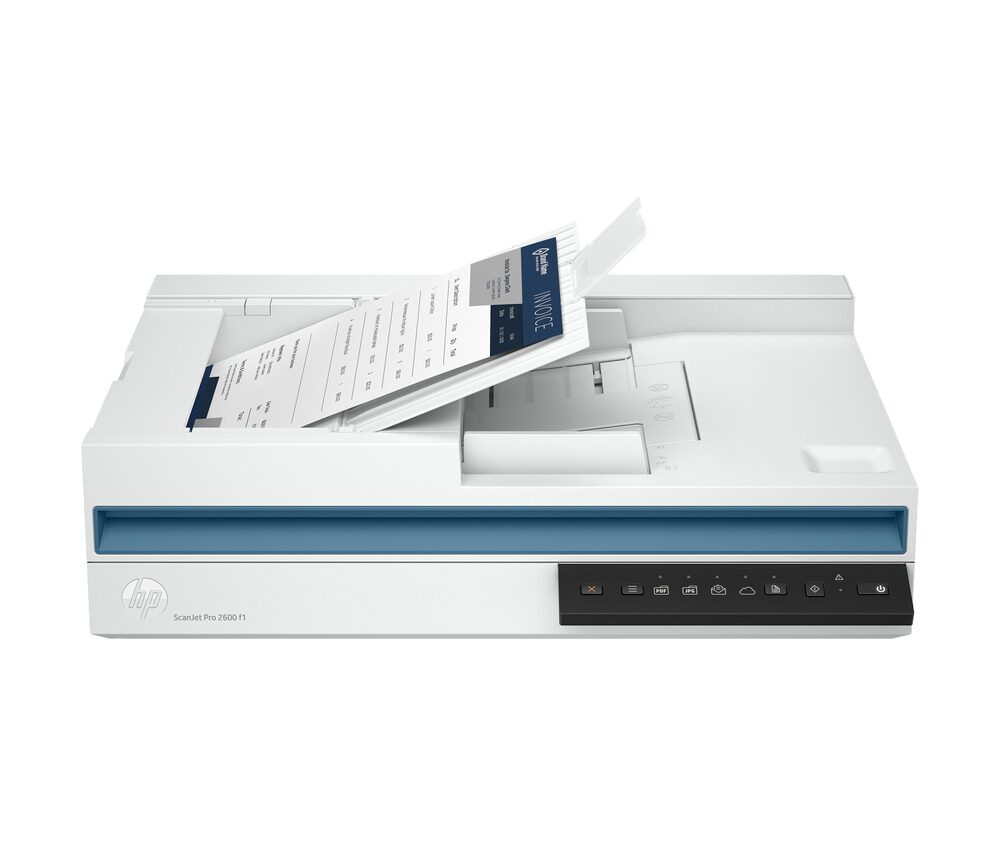
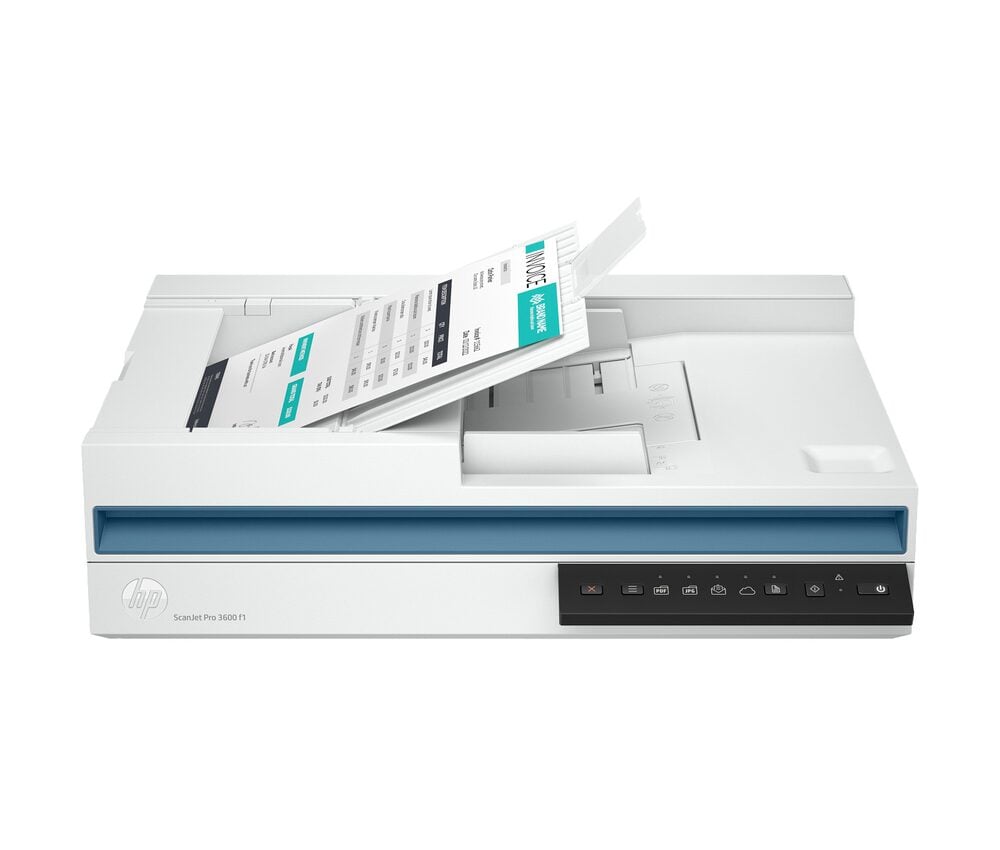
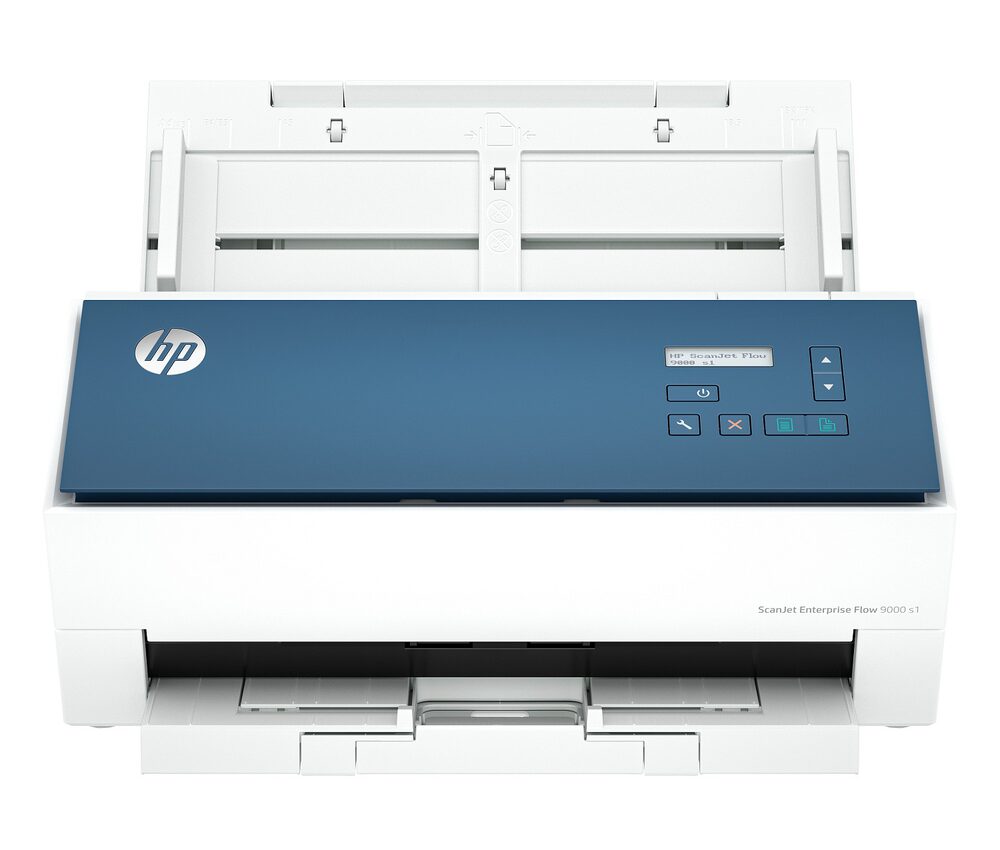
Sheet-fed scanners pull pages through a roller system and scan quickly as the paper passes by. Many models capture both sides of the page in a single pass. They are the right choice for offices, archival projects, and any workflow that involves stacks of similar-sized documents.
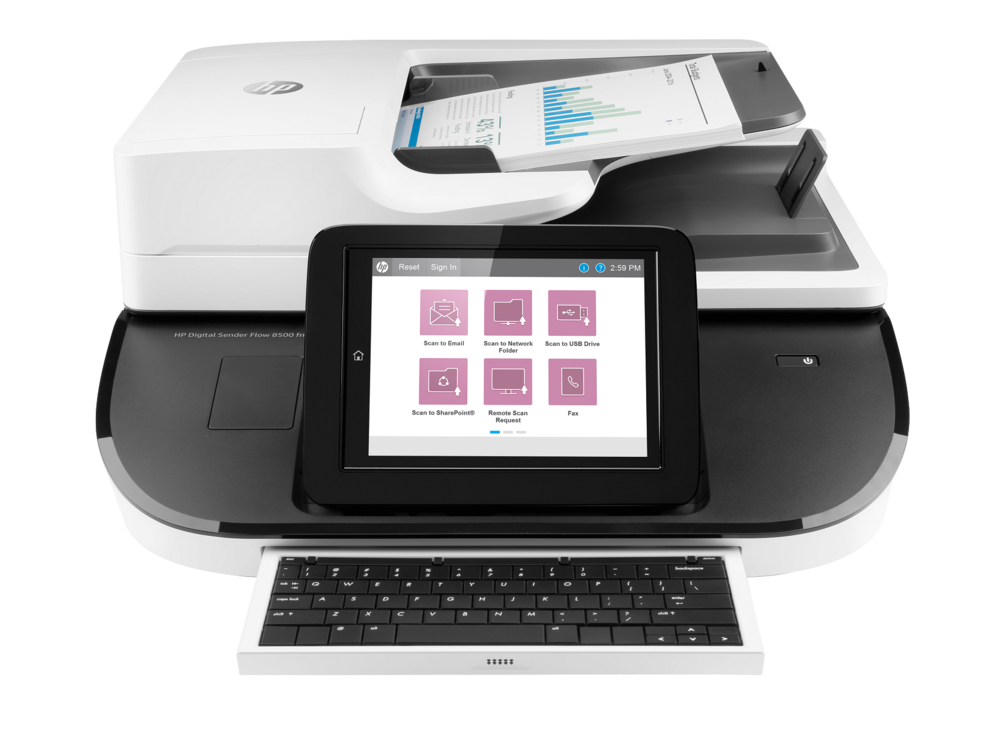
For users with mixed needs, a flatbed with an attached automatic document feeder offers the flexibility of both designs in a single device, at the cost of a larger footprint.

The catalog is also organized by intended use. Home users typically benefit from compact, versatile all-in-one devices that handle a mix of jobs without taking up much space. Print quality, ease of setup, and reliable wireless support tend to matter most.
Small businesses typically need devices that handle higher daily volumes, support multiple users on a shared network, and offer features like automatic duplex and high-capacity paper trays that reduce manual handling. Enterprises and larger organizations typically need workgroup-class hardware built for sustained daily use, with strong security features, network integration, and predictable supply availability across years of deployment.

Many of the scanners in this catalog are bought specifically to support a move away from paper-based workflows. Going paperless does not require eliminating paper entirely — it means making sure every important document exists in a searchable, organized digital form alongside any paper copy.
A practical paperless workflow has three parts: capture, organization, and storage. Capture is the act of scanning paper into digital files, ideally with OCR applied so the result is searchable. Organization is the system used to name and file documents so they can be found later. Storage is where the digital files live, whether locally, on a network drive, or in a cloud service.
The right scanner is the foundation of this workflow. A scanner that is fast, reliable, and easy to use turns scanning into a routine task rather than a project. A scanner that is slow or awkward produces a backlog of unprocessed paper that quickly becomes its own problem.